
Permit to Work Software:Your Permits Are Signed.
Are They Checked?
TouchPoint Permit to Work Software helps organizations manage high-risk work activities through digital permit creation, approval workflows, and safety checks. It streamlines permit management, improves coordination between teams and contractors, and supports safer work practices from permit initiation to closure.


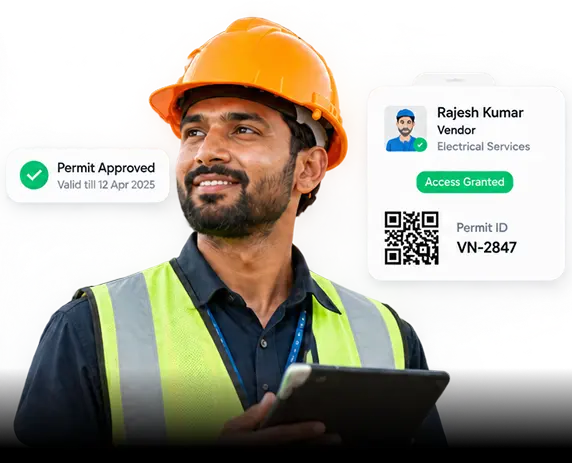
























The permit gets signed. Nobody checks.
Permits are approved without risk visibility. Gates miss critical updates. Checklists are ticked without verification, and jobs end without formal closure. Every unchecked step leaves the plant exposed.
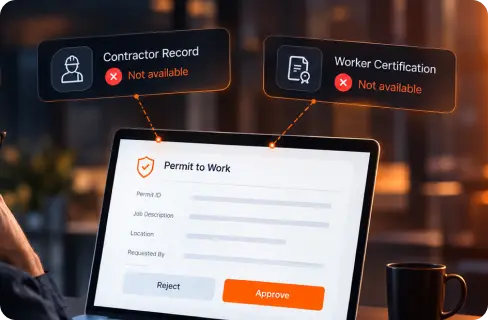
Signed Without Seeing the Risk
The approver signs a form that tells him nothing - not the contractor's record, not whether the workers are certified.
The Gate Never Gets the Memo
The gate has no idea a permit exists, so a man walks in on one that was rejected an hour ago.
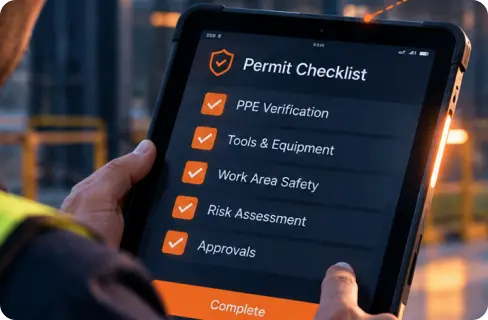
Ticked. Not Checked.
The checklist gets ticked because ticking is faster than checking.
The Job Ends. The Permit Doesn't.
And when the work ends, the permit isn't closed. It just expires.
Enterprise-Grade Security,
Privacy & Compliance.
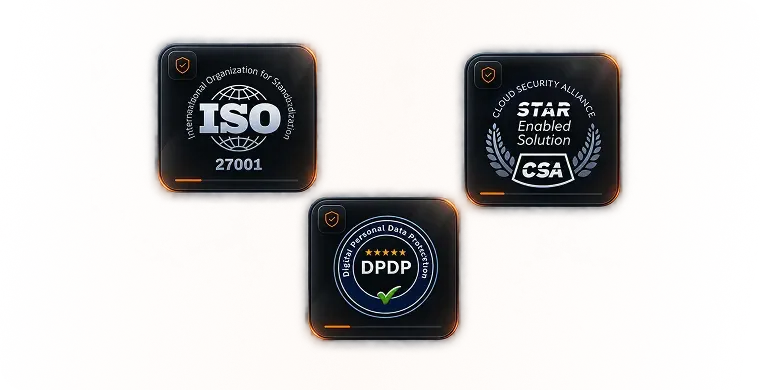
Everything runs on a platform built for enterprise trust: ISO 27001 and CSA STAR certified, with data handling built ground-up for India's DPDPA - the standard your compliance team will actually approve of.
Put Your Permits
to the Test
See how TouchPoint connects approvals, worker checks, gate entry and closure. Book a demo using your own permit workflow.
See It On Your Own Permits
Digitized. Enforced. Evidenced.
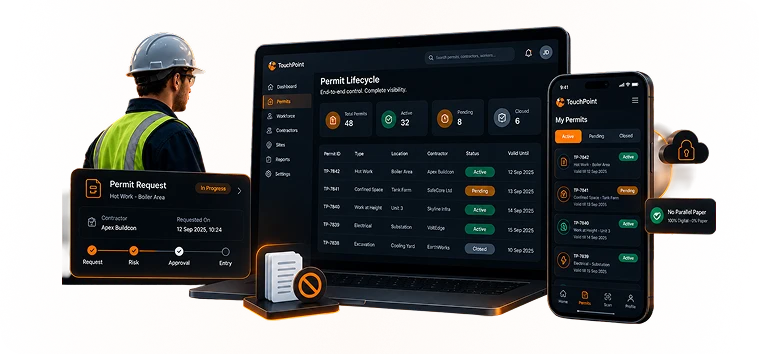
Every permit step runs on one system. Required checks control what happens next, and every action leaves a timestamped record you can trace.
Digitized
Eliminate paper permits and fragmented spreadsheets. Standardize hot work, confined space, and height permits with smart digital workflows and automated checklist validation.
What Only TouchPoint Does
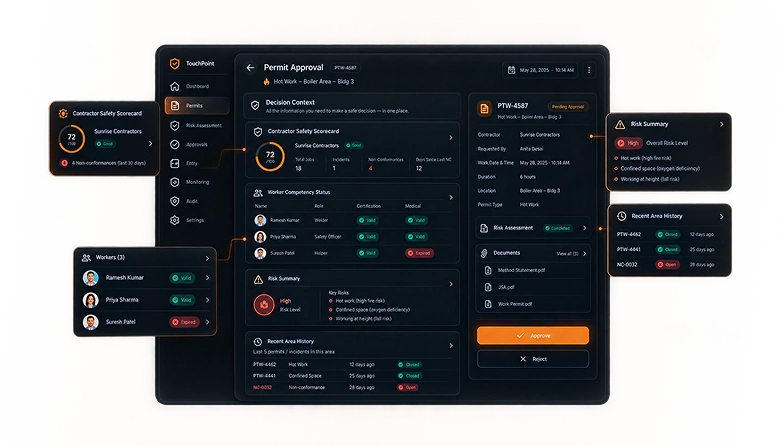
Give approvers the context to decide: contractor safety history, worker competency, job risks and recent area incidents - together on the approval screen.
No More Blind Approvals
Your approver doesn't know this contractor raised four non-conformances last month, or that one of the men named on the permit has an expired medical.
The Decision Context Panel puts the contractor's safety scorecard, every worker's competency status, the risk summary and the area's recent history on the same screen as the approve button - auto-populated, nothing to compile.
The Gate Knows Before the Worker Arrives
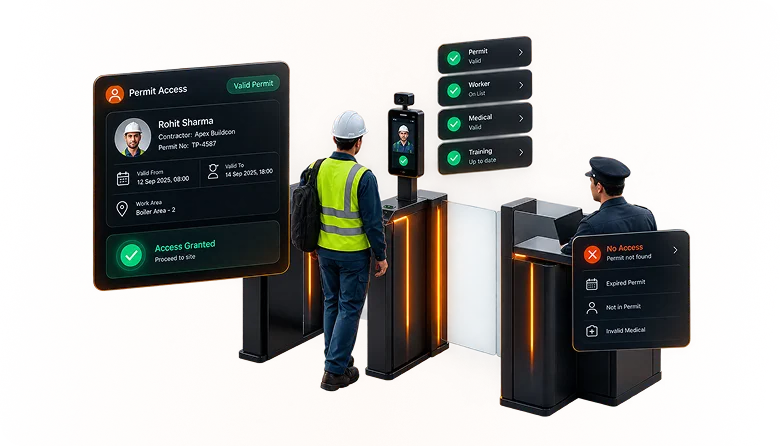
A signed permit is useless if an unauthorized contractor can still walk past security onto the shop floor. TouchPoint directly synchronizes permit status with physical turnstiles and gates.
If a worker's medical clearance has expired, safety induction is incomplete, or permit validity has lapsed, access is automatically blocked at the gate. Zero reliance on security guards memorizing paperwork.
Immutable, Tamper-Proof Audit Trails
When an incident occurs or safety auditors arrive, spreadsheets and paper checklists cannot withstand scrutiny. Regulators require forensic, unalterable proof of who authorized each phase and when.
Every permit approval, gas test reading, lockout verification, and gate entry is cryptographically stamped with identity and synchronized time. No record can be edited, deleted, or backdated.
Two Very Different Worlds. Two Configurations.
A permit in a tyre plant and a permit in an IT park share a workflow and almost nothing else. The hazards, the approvers, the contractors and the consequences are all different - so the product is configured differently for each.
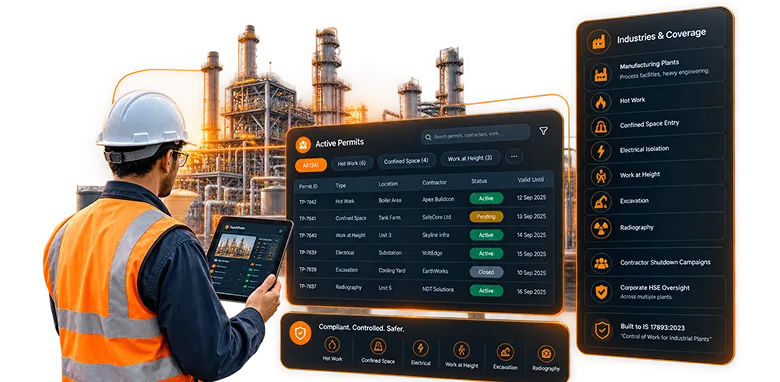
Manufacturing plants, process facilities, heavy engineering.
Hot work, confined space entry, electrical isolation, work at height, excavation, radiography. Contractor shutdown campaigns. Corporate HSE oversight across multiple plants. Built to IS 17893-2023.
"Control of Work for Industrial Plants"
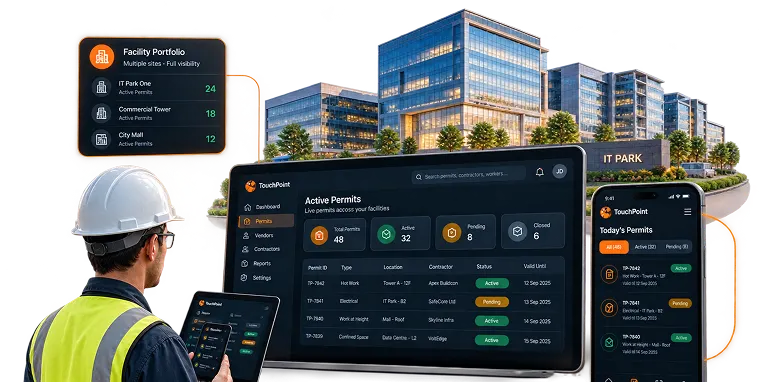
IT parks, commercial towers, malls, hospitals, data centres.
Vendor work authorisation, height and electrical work in occupied buildings, live service shutdowns, multi-tenant coordination, high vendor turnover. Property and portfolio-level visibility.
"Control of Work for Facilities"
Eight Modules, One Permit Lifecycle
From contractor onboarding to reporting, eight connected modules manage the entire permit lifecycle - with role-based access governing who can act at every stage.


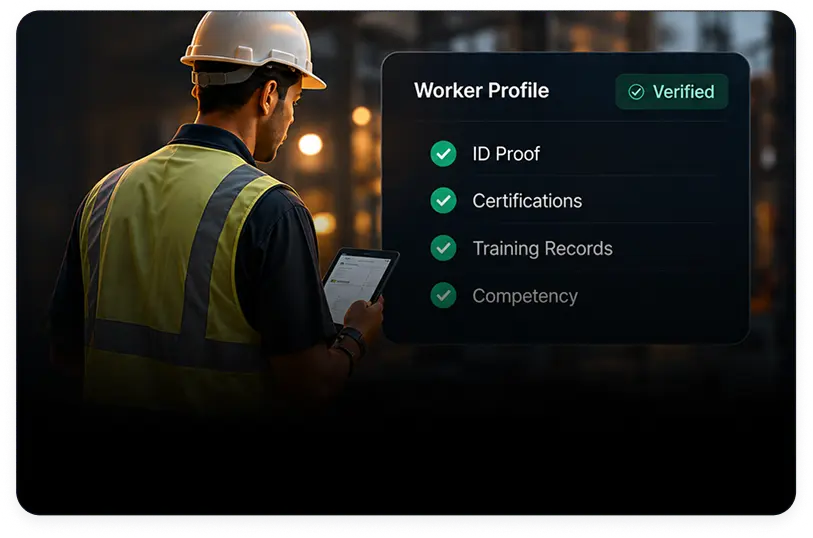
Contractor Portal
Workers onboarded with documents and certifications. Work type mapped to required competency, so eligibility is checked before a man is named on a permit.
Built To India's
Permit To Work Standard
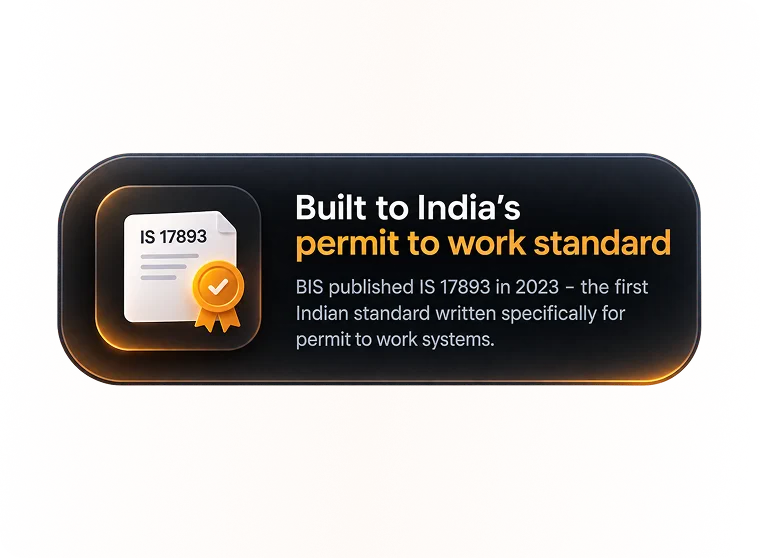
BIS published IS 17893 in 2023 - the first Indian standard written specifically for permit to work systems. TouchPoint was specified around it from the start, not mapped to it afterwards.
What IS 17893:2023 requires - a plain-English guide
Integrate TouchPoint With Your Existing Tools.
Integrate visitor management, approvals, notifications, and access control in one seamless flow. Eliminate manual processes, keep information in sync, and deliver a faster, more secure visitor journey.








Frequently
Asked Questions
Get answers to common questions about Permit to Work, implementation, access control integration and how TouchPoint supports your safety workflow.
What Is A Permit To Work System?
A Permit to Work System is a safety management process used to authorize and control high-risk work activities. It ensures that potential hazards are identified, safety precautions are implemented, and authorized personnel approve the work before it begins. A digital Permit to Work System helps organizations manage permit creation, approval workflows, safety checks, contractor coordination, and permit closure, improving workplace safety and operational efficiency.
Is Permit To Work Mandatory In India?
How Long Does Implementation Take?
Does It Work With Our Existing Access Control?
Can We Configure Our Own Permit Types And Approval Levels?
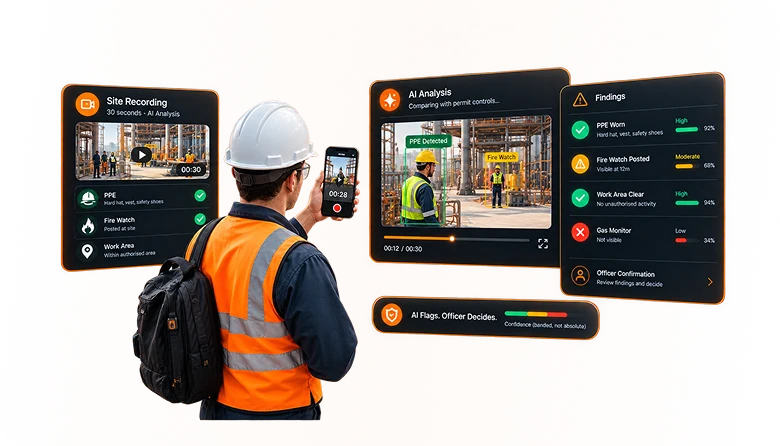
Does The AI Make Safety Decisions?